Generating + Rendering 3D GIFs
The Goal
The goal with this project was a visually appealing way for people to share their devices with their friends. This includes a GIF with a simulated effect being played on the device, in 3D space.
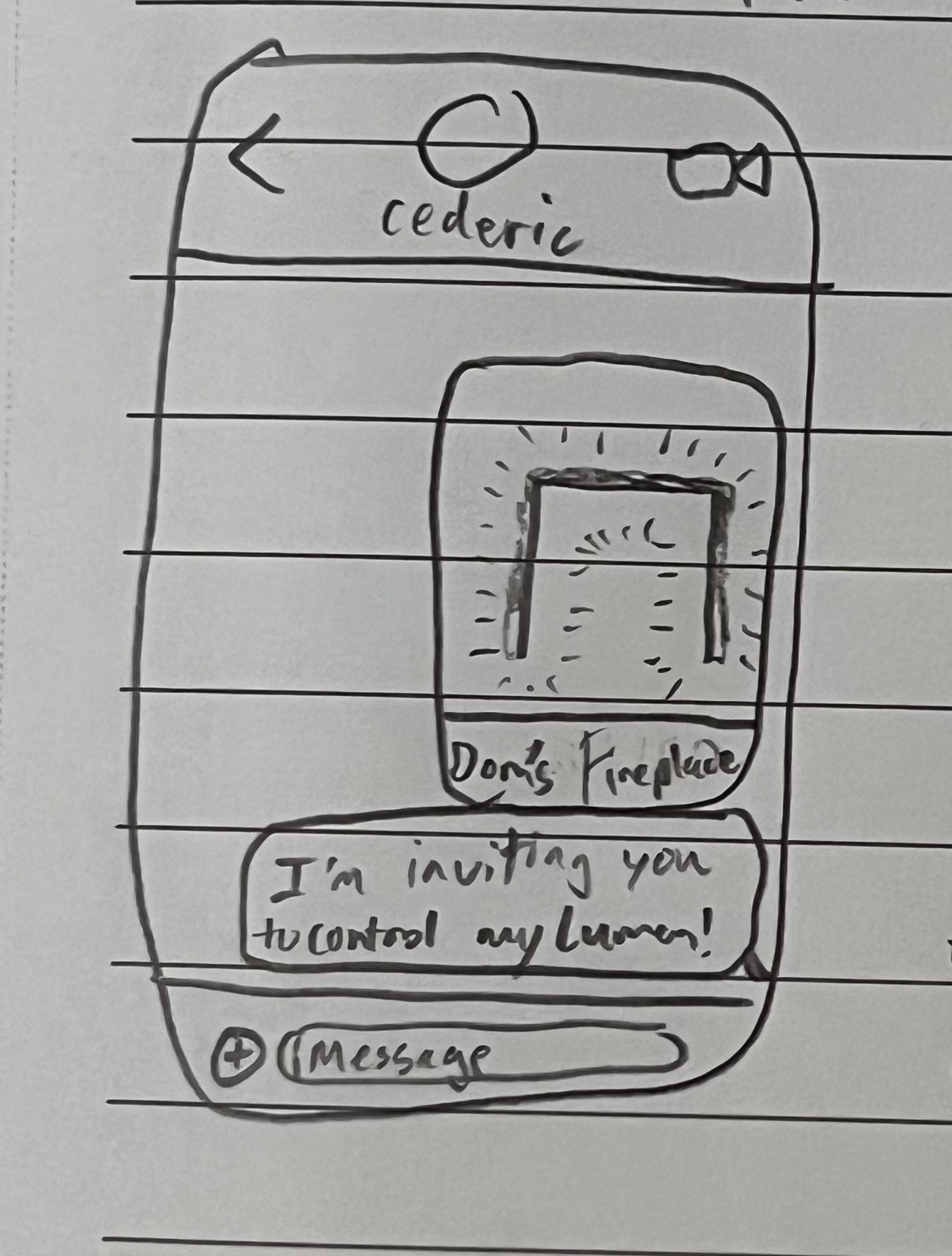
Here is a sketch of what I had pictured, from my notebook:
Prerequisites
In my journey, I knew I needed some way of obtaining the 3D mapping of the user's LEDs as well as some way of simulating WLED effects.
You can read about my journey of building the 3D map here, and the journey of building the simulator here.
with these two prerequisites met, I would be able to bring my vision to life.
This project required server-side software rendering. I knew how I wanted my vision to pan out, but I didn't know how to do any of the things. I used ChatGPT and Google for assistance, and eventually was able to solve the problems I had. These included:
OpenGraph
This is how websites are able to provide an image preview with a title in iMessage, facebook, etc. (I believe it was developed by facebook). It was as simple as pointing to the image URL and we were able to show the GIF of the spinning LEDs.
Software Rendering using Python
Since one of the challenges of Lumen in general was to use best practices, I wanted everything 100% dependent on reliable cloud services, and my cloud service of choice was Google's Firebase.
Firebase offers cloud functions in a few different languages, but the one I'm most familiar with was Python. So I used MatPlotLib (not the conventional way of 3D rendering, and this may change in the future) as well as my WLED simulator to create a basic scene and generate a gif.
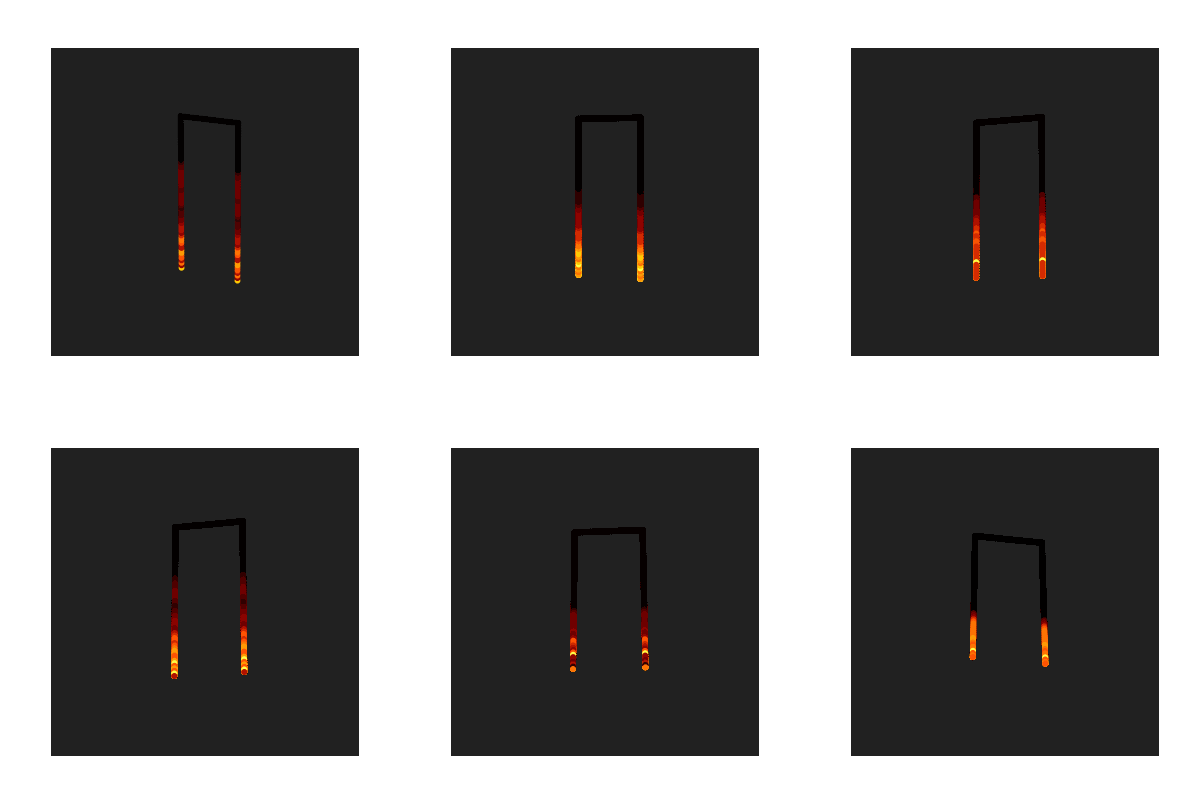
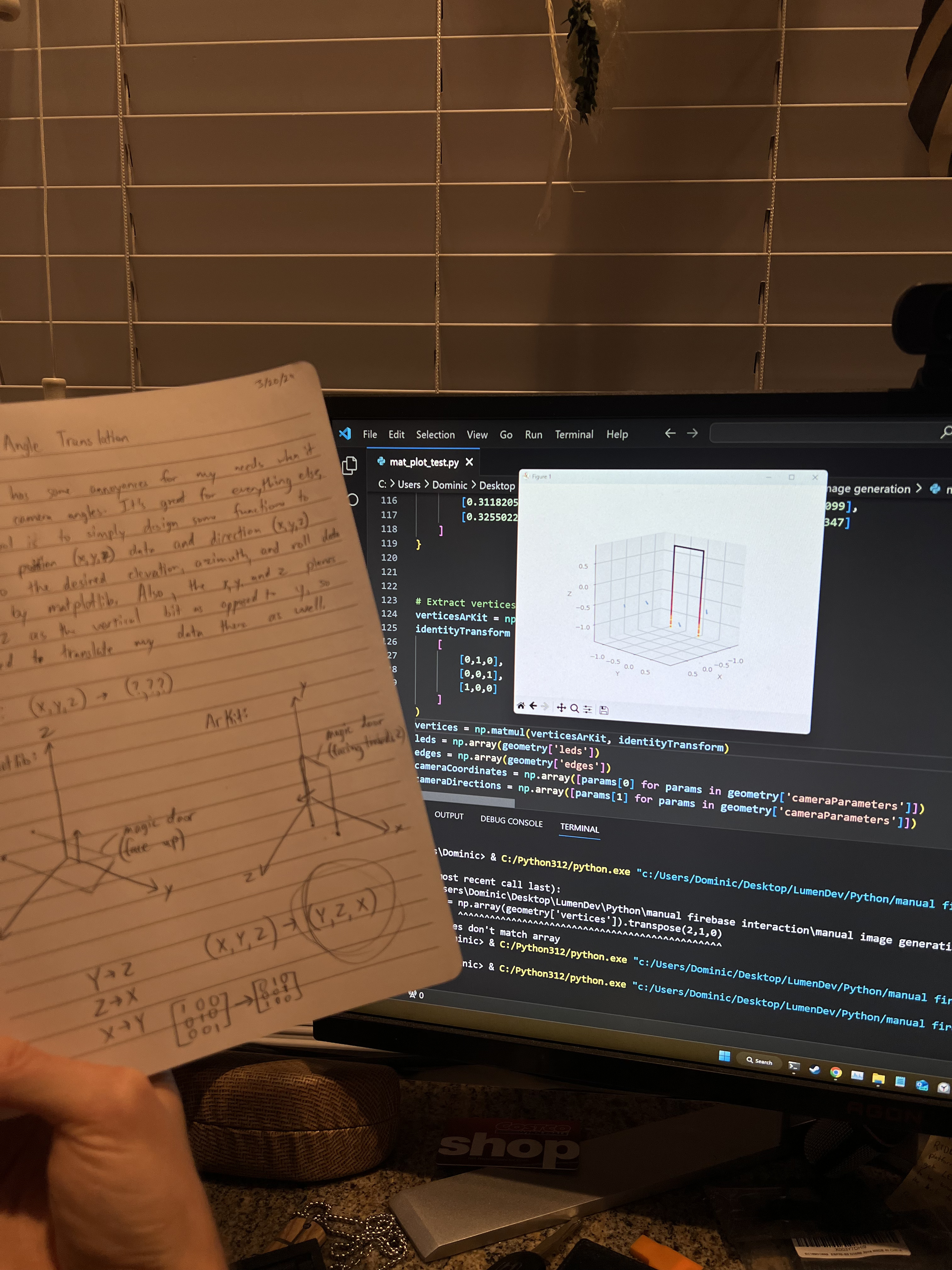
I couldn't use traditional 3D rendering since the cloud services run headless, which meant I needed to use the software rendering offered by MatPlotLib. Here's one of the earliest GIFs I made, using a 3D plot and multiple images added together to form a gif, next to my Notebook sketch outlining some of the implementation details:
The "Perfect Loop"
While in the gym, I had been thinking about Lumen, and immediately wrote down a great idea I had: Since GIFs usually automatically repeat, to make a visually appealing one which appears to never have a start or end point, we should make a perfect loop.
I had to idea to (blazingly fast, with the C++ interop) generate 300-500 frames of an effect, calculate the difference in color for each frame to the first, and the frame with the smallest difference wins and becomes the last frame.
Then it becomes as simple as dividing the camera position steps by the number of frames we determined, and we can make a pretty solid looking "perfect loop":
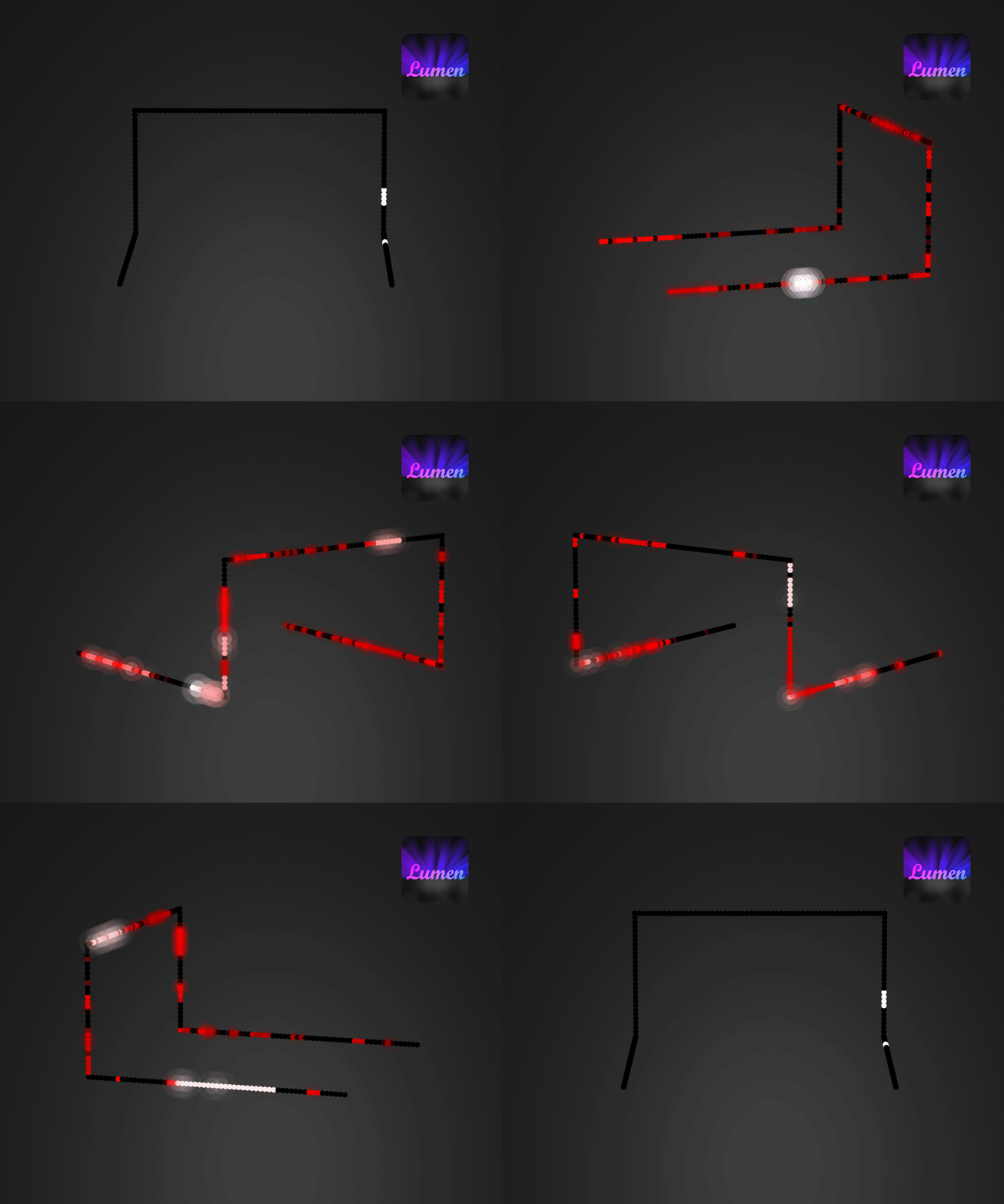
The Output!
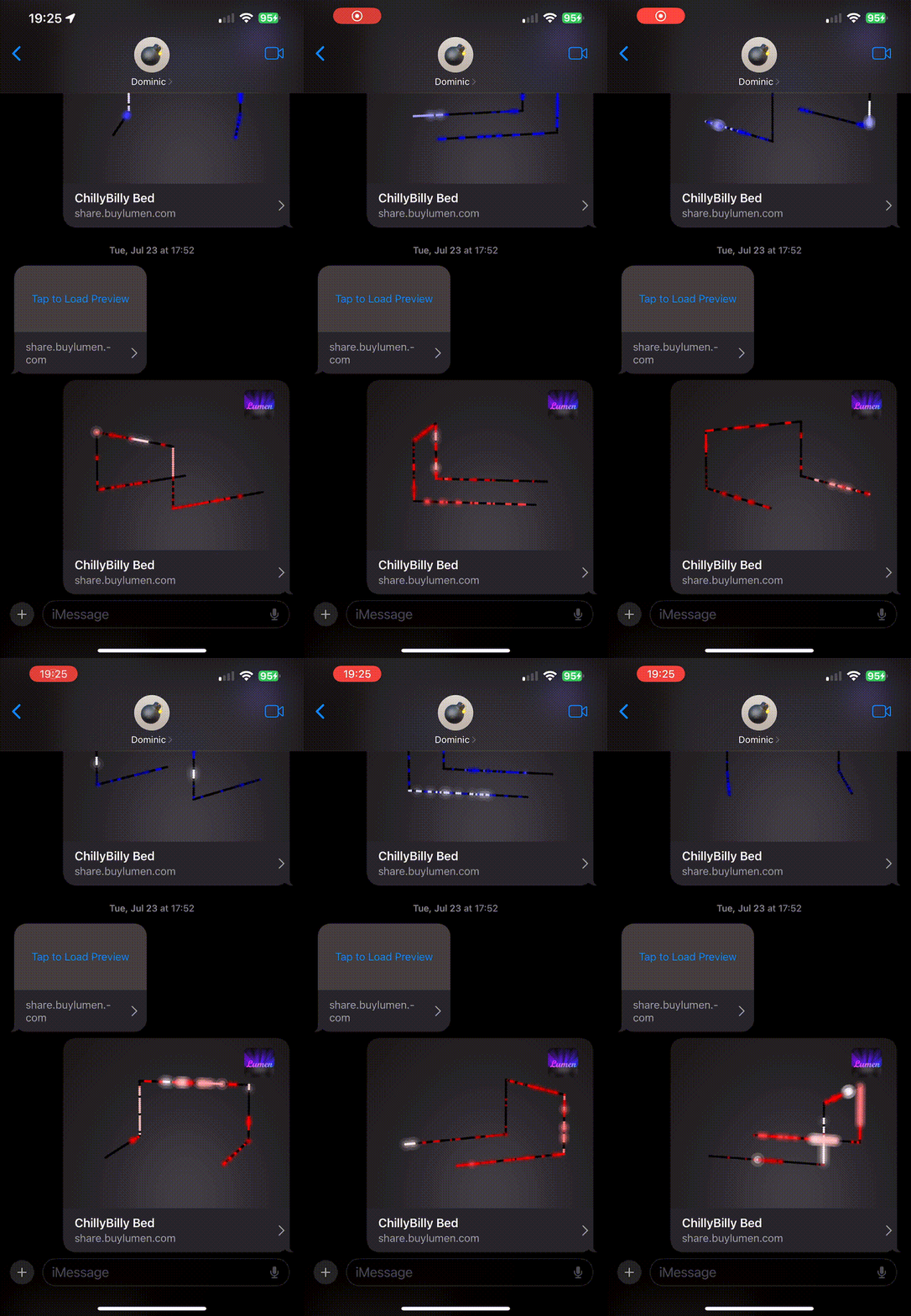
Here is where we are at so far, what it would look like with the OpenGraph tags being read and displayed by iMessage in practice:
(The poor quality is from the short screen recording compressed into a GIF)